Running a school Build-a-thon: a coordinator's checklist
One day, every grade building, judges from industry, and an awards ceremony parents attend. What to plan, in what order, and the rubric that keeps judging honest.
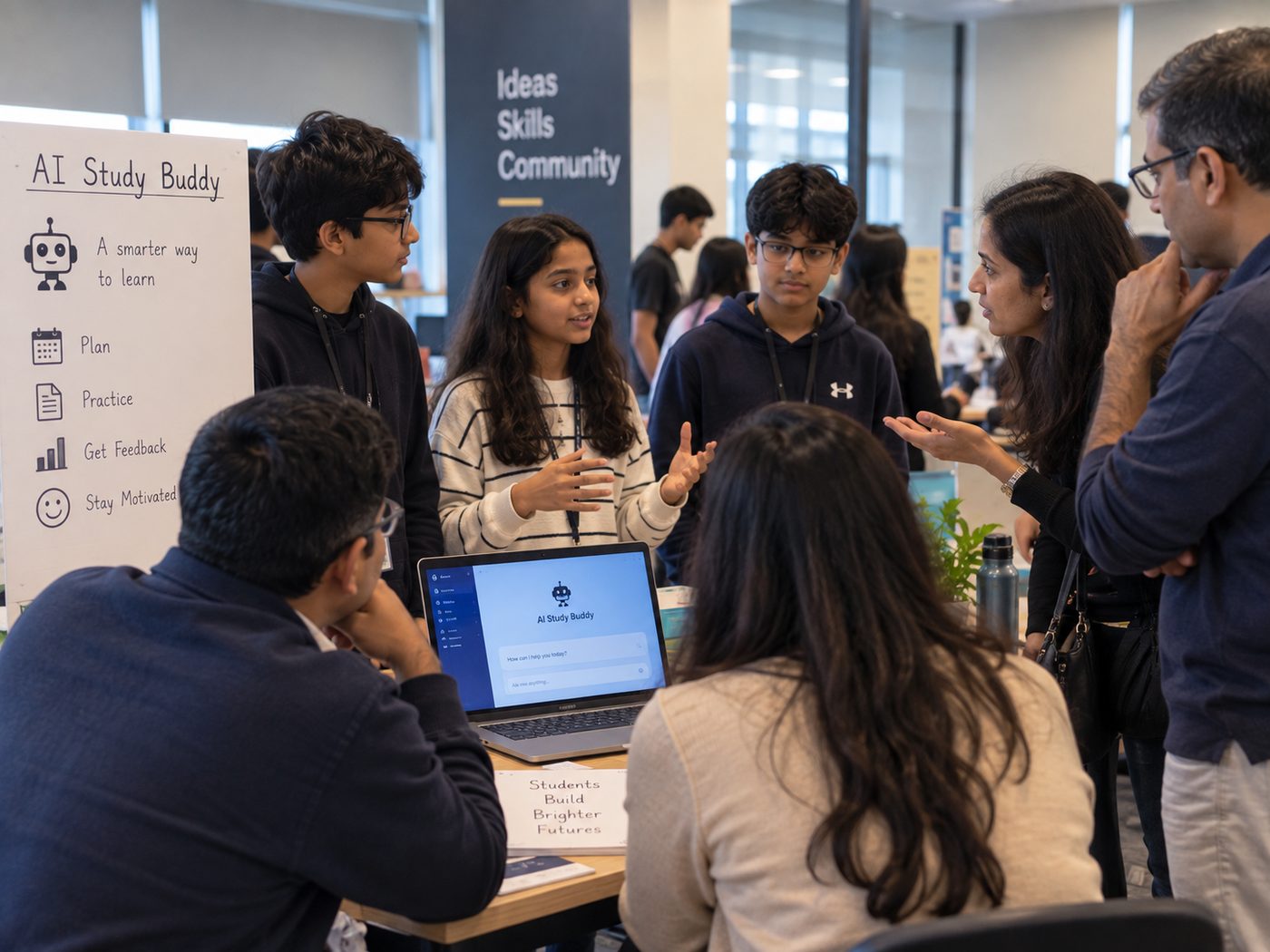
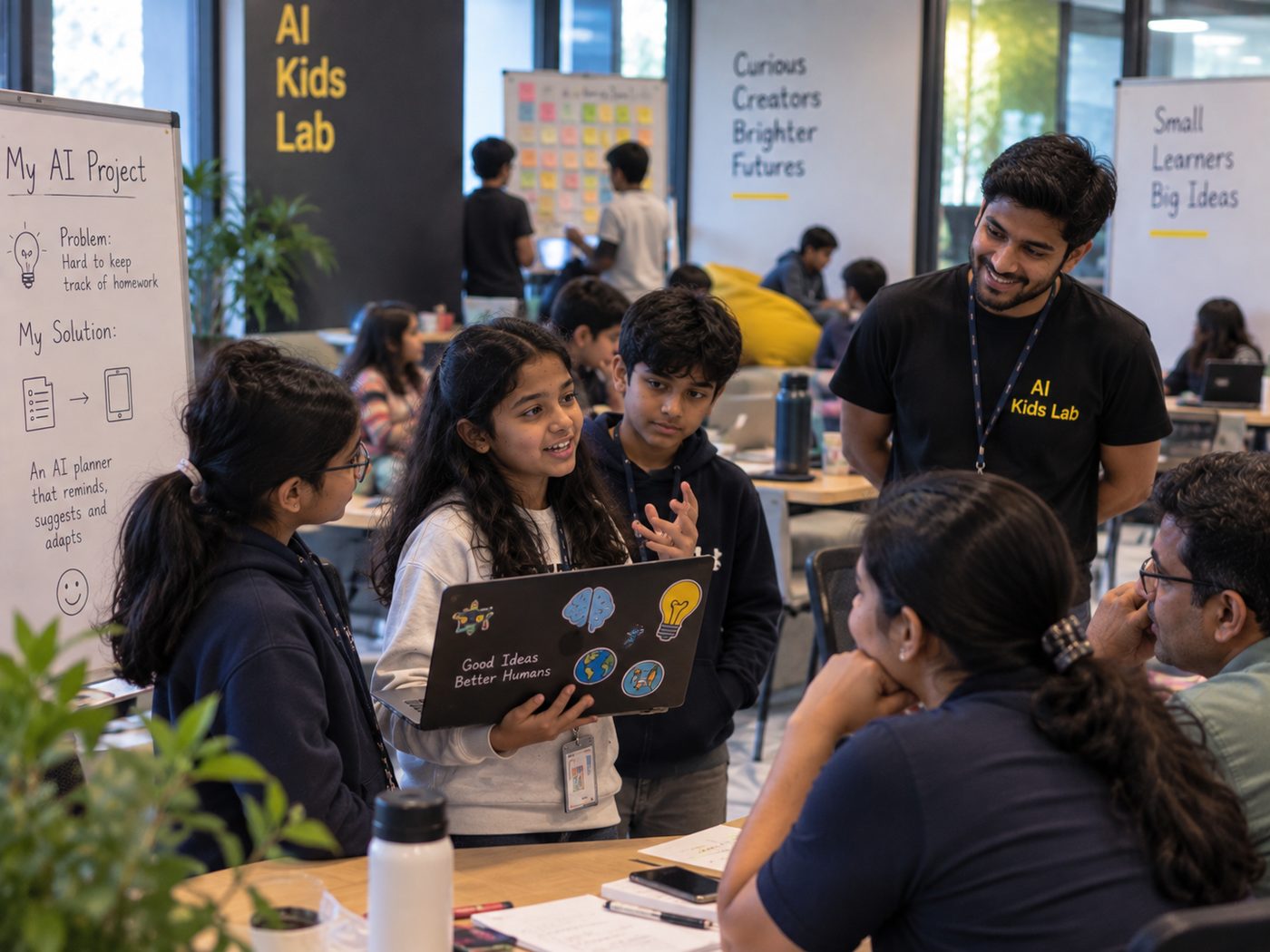
A science-fair display is a poster next to a finished object. A Build-a-thon is a room where four hundred students are actively making something for a day, and at the end of it, demonstrating it live to someone who did not have to be impressed.
The difference matters. A display shows what was done at some point. A build day shows what a student can do under a deadline, in front of people — which is far closer to what the skill is actually for.
Here is the plan, working backwards from the day.
Eight weeks out
- Fix the date and protect it. Avoid the fortnight before any board examination and the week after any long break. A Saturday works if parents are invited; a full school day works better for participation.
- Name one coordinator. One person who owns logistics, communications and the run sheet. Shared ownership produces an unbooked hall.
- Set the theme, loosely. Broad enough that every student has an idea by lunch — "something that helps someone in this building" works — and narrow enough that judging is comparable.
- Invite judges early. Working engineers and founders will say yes to a school if asked eight weeks out and will not if asked eight days out. Three to five is right; more than that and they idle.
Two weeks out
- Publish the rubric to students. Judging criteria that are secret until the day teach students that the judging was arbitrary. Publishing them teaches them what quality means.
- Teams and roles. Two to four students. Make them name who is demonstrating, because the student who never speaks in front of a room is exactly the one this event is for.
- Check the room, honestly. Power outlets counted, wifi tested with thirty devices at once and not three, a projector that accepts whatever laptops your students actually have, and one spare of everything.
- Consent, in writing. If photographs or video will be shared anywhere, get written parental consent now, separately from participation. Default to not publishing where it is missing.
The day
A schedule that has survived contact with real schools:
- Opening, 20 minutes. Theme, rubric, timings. Keep it short; students want to start.
- Build block one, 2 hours. Mentors and teachers circulating, not lecturing.
- Checkpoint, 30 minutes. Each team states in one sentence what they are building and what is currently broken. This is the highest-value half hour of the day — it catches the teams that have been stuck silently since 10am.
- Build block two, 2 hours.
- Freeze. Hands off keyboards. Announce it firmly and early; teams will keep fiddling until told.
- Demos, 3 minutes each. Live, with a recorded backup video in case the wifi fails. Insist on the backup — it will be needed by someone.
- Judging and awards.
The rubric
Five criteria, weighted evenly, each scored 1–5:
- Problem clarity. Can they say who has this problem and how they know?
- Engine correctness. Does the AI part actually do what they claim, and can they explain how?
- Live demo. Did it work, in the room, on an input the judge chose?
- Safety and limits. Can they state what it gets wrong and who it might fail?
- Communication. Three minutes, no jargon, a non-technical adult follows it.
That fourth criterion does more work than the other four combined. Scoring honesty about failure teaches students that admitting a limitation is a mark of quality rather than a confession. It also, reliably, separates the teams that understand their project from the teams that assembled one.
Best Real-World Impact, Most Creative Build, and Best Explained. That third award matters more than it looks: it gives recognition to the team whose project was modest and whose understanding was complete, which is exactly the behaviour you want more of next year.
What keeps Build-a-thon judging honest?
The awards ceremony, and why parents belong there
Hold the ceremony as part of the same event, while the energy is still in the room, and invite parents. This is the single moment in the year when a parent sees, first-hand, what the AI program actually bought their child. It does more for renewal and for word of mouth than any newsletter, and it costs an extra hour.
Afterwards: what to keep
Within a week, while people still remember: a short video of the three best demos, a photograph of every team with their build, the judges' scored rubrics, and one paragraph from each winning team about what they made. That folder is your admissions material, your press release and next year's opening slide. Schools that skip this step run a wonderful day that leaves no trace by November.
AI Kids Lab turns the CBSE AI curriculum for Grades 7, 8 and 9 into gamified lessons designed by product engineers, inside your school's existing timetable. Try a free lesson (no sign-up), or book a 30-minute call.
Talk to us on WhatsApp